



Warming up
Transactional email API
Enter a domain to look up its DMARC record and see which step of the policy ladder it is on: p=none only watches, p=quarantine sends failing mail to spam, and p=reject refuses it. You also get rua reporting, pct and alignment, read tag by tag.
DKIM is checked on the full deliverability checker, which tries the common selectors. It also reads SPF and MX.
DMARC (Domain-based Message Authentication, Reporting and Conformance) is a TXT record at _dmarc.yourdomain.com. It does not authenticate anything itself. It asks whether SPF or DKIM passed for the domain in your From address, and tells receivers what to do when neither did.
The second job is reporting. With a rua= address, Google, Microsoft and Yahoo each send a daily report listing every server that sent mail as your domain and whether it passed. That report is how you find the forgotten tool that would break the day you switch to p=reject.
v=DMARC1; p=nonev=DMARC1; p=quarantinev=DMARC1; p=reject; pct=20yourdomain.com TXT v=DMARC1; p=none_dmarc TXT v=DMARC1; p=none
_dmarc TXT v=DMARC1; p=rejectOpen your DNS host, find the TXT record whose name is _dmarc, and change it in place. Most hosts apply it within minutes. Run the check again to confirm the new policy is live.
SPF has to be right before you enforce: a broken SPF record plus p=reject bounces your own mail. Check it with the SPF checker, and see SPF, DKIM and DMARC for cold email for exact values.
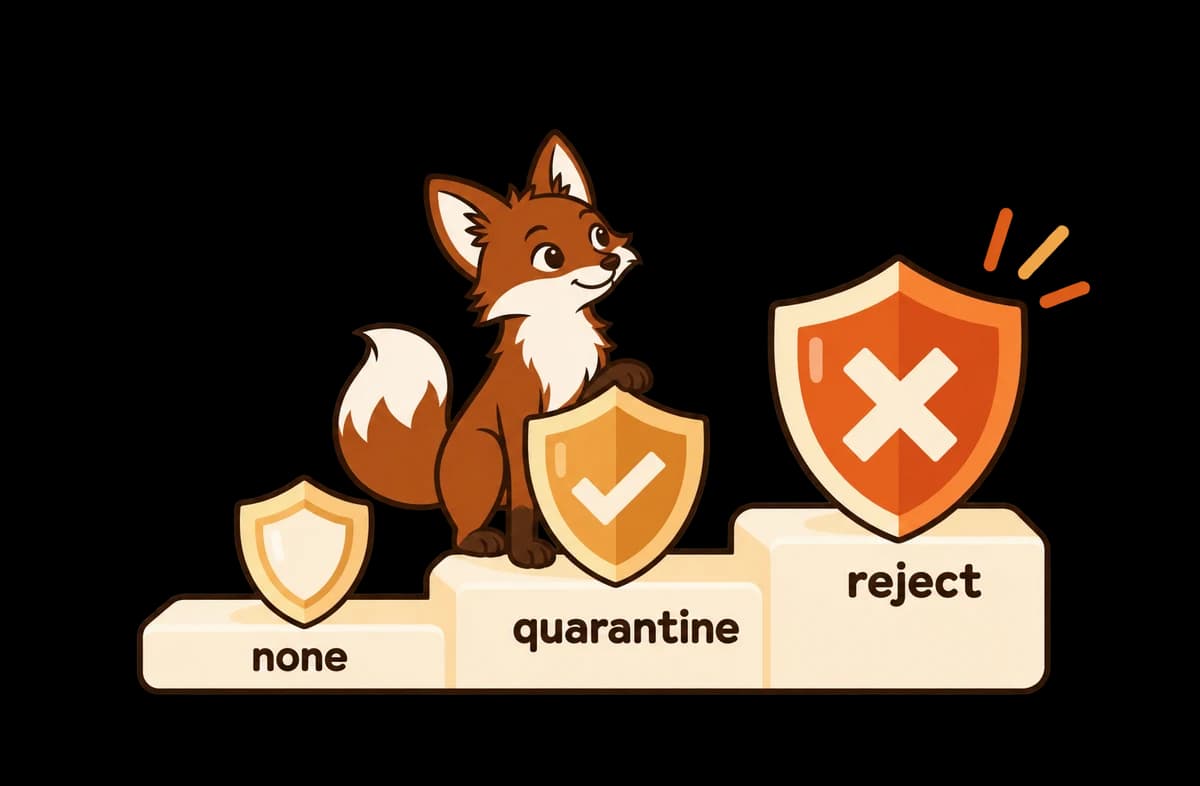
Enter your domain above. The checker looks up the TXT record at _dmarc.yourdomain.com and reports whether one exists, which policy it sets (p=none, p=quarantine or p=reject), whether it asks for aggregate reports with rua=, what share of mail the policy covers (pct=), and whether DKIM and SPF alignment are relaxed or strict.
It meets Gmail and Yahoo's 2024 requirement that bulk senders publish DMARC, but it protects nothing: mail that fails is still delivered, so anyone can still send as your domain. Treat p=none as the first step. Collect reports for two to four weeks, fix any legitimate sender that fails, then move to p=quarantine and later p=reject.
DMARC passes only if SPF or DKIM passes for a domain that matches the one in the visible From address. Relaxed alignment (the default, adkim=r and aspf=r) accepts a subdomain, so mail.acme.com aligns with acme.com. Strict alignment (adkim=s, aspf=s) needs an exact match. Most cold email setups should keep relaxed.
Start with v=DMARC1; p=none; rua=mailto:dmarc@yourdomain.com as a TXT record at _dmarc.yourdomain.com. The rua address receives a daily XML report from each big mailbox provider showing which servers sent as your domain and whether they passed. Once those reports are clean, change p=none to p=quarantine.
This page reads DMARC only. DMARC depends on SPF and DKIM, so check them next: the SPF checker validates the SPF record and its 10-lookup limit, and the full deliverability checker also finds DKIM, which needs a selector this page cannot guess.
Check any domain's SPF, DKIM, DMARC, and MX records in seconds.
Validate an SPF record: one record, 10-lookup limit, and a safe ending.
Check a domain or mail server IP against Spamhaus, SURBL, URIBL and more.
Scan a subject line and email body for spam-trigger phrases.
Get a day-by-day sending ramp schedule for a new or existing mailbox.
Check text-to-HTML ratio, images, links, and tracking pixels in an email.
Warmerly re-checks DMARC, SPF, DKIM and blocklists on every sending domain daily, and warms the mailboxes behind them. Free plan, no card. Paid plans from $19/month.