



Warming up
Transactional email API
No signup, no email required. Everything runs instantly and nothing you paste is stored.
Check any domain's SPF, DKIM, DMARC, and MX records in seconds.
Validate an SPF record: one record, 10-lookup limit, and a safe ending.
Look up a DMARC policy, reporting address, pct and alignment.
Check a domain or mail server IP against Spamhaus, SURBL, URIBL and more.
Scan a subject line and email body for spam-trigger phrases.
Get a day-by-day sending ramp schedule for a new or existing mailbox.
Check text-to-HTML ratio, images, links, and tracking pixels in an email.
Start with the deliverability checker: if your domain is missing SPF, DKIM, or DMARC, nothing else you change to the email itself will fix inbox placement. If one record is the problem, the SPF checker and DMARC checker go deeper on it, and the blacklist checker tells you whether the domain or its mail server is listed anywhere that matters. Once authentication passes, run the warmup calculator to work out how fast you can safely ramp a new mailbox, then check the email itself — copy through the spam word checker, markup through the email HTML checker — before you send at volume.
All of them run instantly and none of them require an account. The spam word, warmup, and HTML tools run entirely in your browser; the DNS and blacklist checkers perform live lookups and store nothing.
Every tool on this page is a snapshot. DNS records get edited, selectors expire, a registrar migration quietly drops a TXT record — and the next thing you notice is a campaign that stopped replying.
InboxPulse re-runs the same checks daily on every connected mailbox and charts placement per provider, so a change shows up as an alert with a cause attached rather than as a slow, unexplained decline.
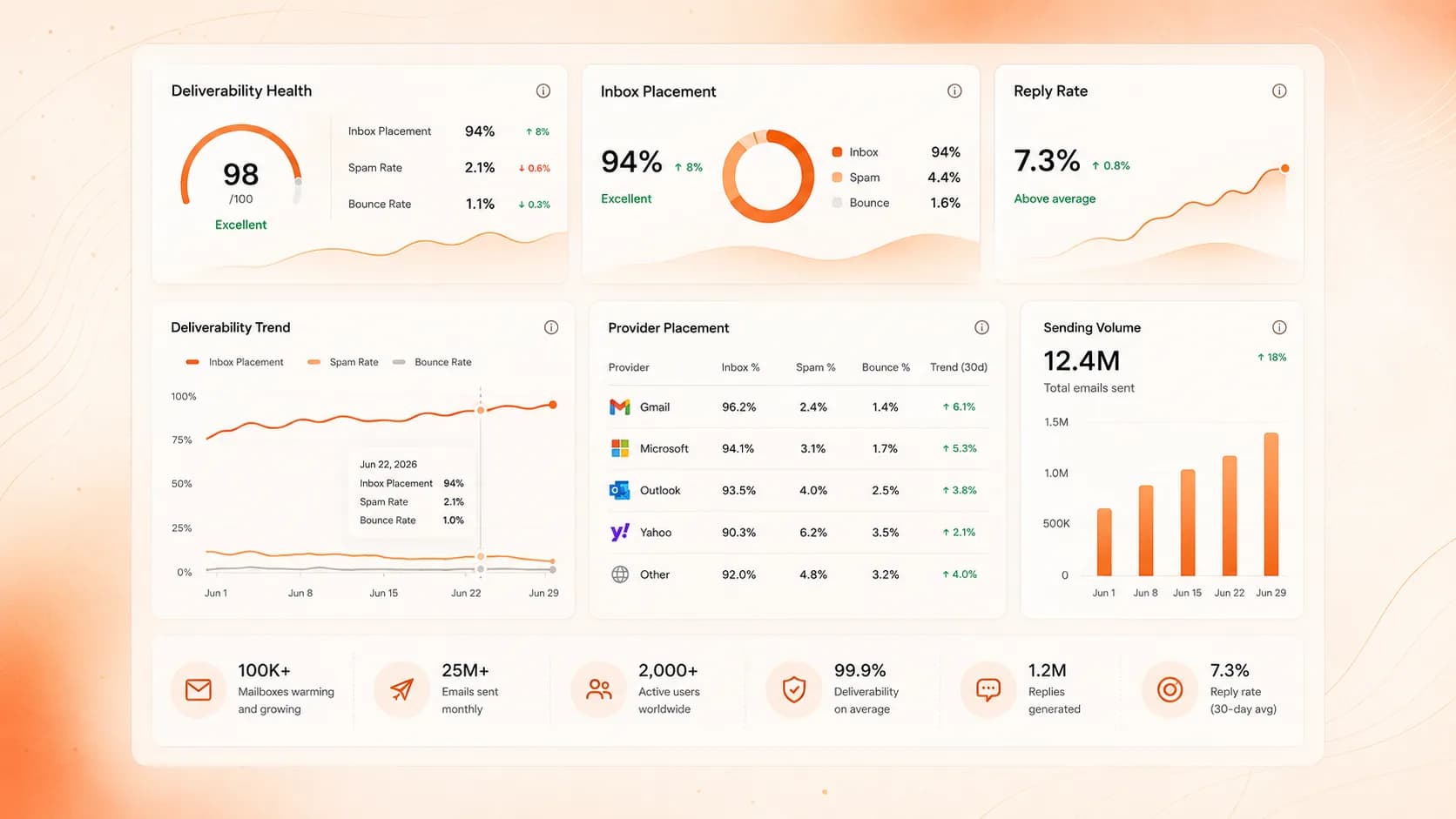
InboxPulse monitors SPF, DKIM, DMARC, and MX daily and Warmflow automates warmup — so deliverability stays fixed instead of needing a re-check every time something changes.